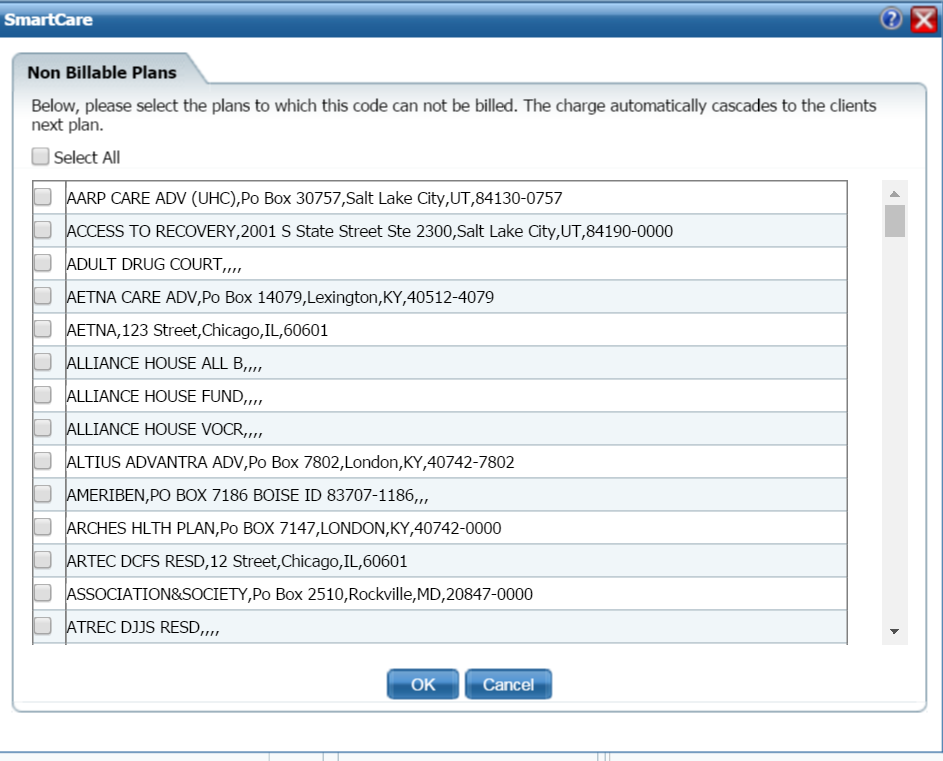
Use this button on the Procedure Code Details page when adding or changing a procedure code to specify which insurance plans will not pay for the service.
When a plan is set to non-billable for a code, the client's next plan is billed for payment.
On the Procedure Code Details page, General tab Rules section page, click the Specify Non-Billable Plans button.
The Non Billable Plans page is displayed. View field definitions.
-or-
Select specific plans to identify as non-billable.
The Procedure Code Details page, General tab, Rules section page is displayed.